Mirroring
Mirror your iPhone or iPad to your Mac over Wi‑Fi with AirPlay — no app required on your mobile device.
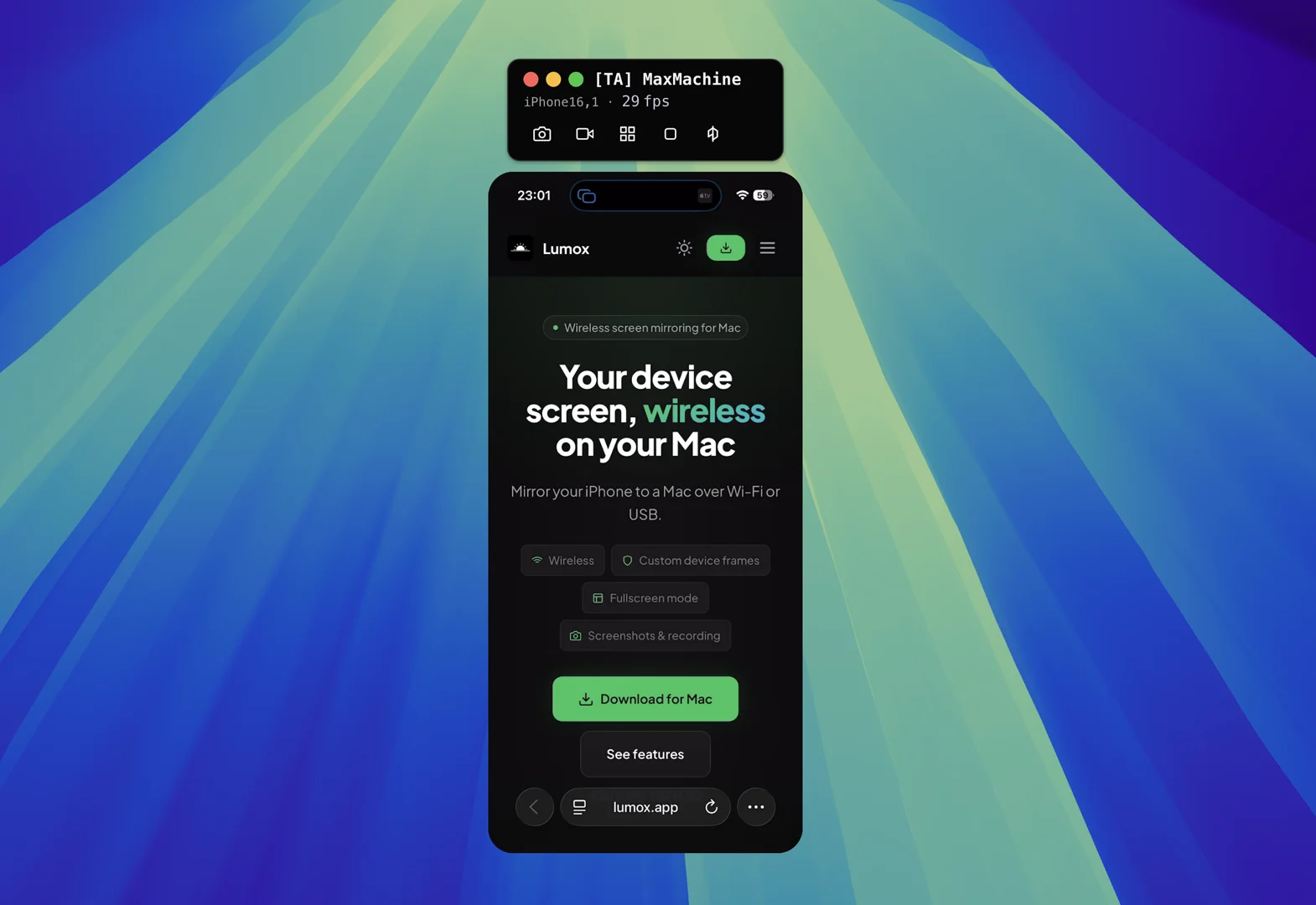
Connect your device
Lumox mirrors over Wi‑Fi using AirPlay (iPhone/iPad) or Cast (Android). No cable and no app install on the phone.
- Make sure Lumox is running on your Mac and Local Network is allowed.
- On your iPhone or iPad, open Control Center and tap Screen Mirroring.
- Select your Mac from the list (it appears under the name of your Mac / Lumox receiver).
- The device screen appears in a Lumox window on your Mac.
Multiple devices
You can mirror more than one device at a time. Each connection opens its own window. Resize and arrange windows, or switch to fullscreen mode to present several devices on one canvas.
Performance
- Use the same Wi‑Fi network for Mac and phone; 5 GHz often gives lower latency.
- Lumox supports up to 60 fps and 4K when the source device allows it.
- Close heavy background apps on the phone if the stream stutters.
EU users: If iPhone Mirroring is unavailable in your region, Lumox still works over AirPlay on the local network. See our wireless mirroring guide for the EU.