Account management
Manage your subscription, license key, devices, and billing from the Lumox account portal.
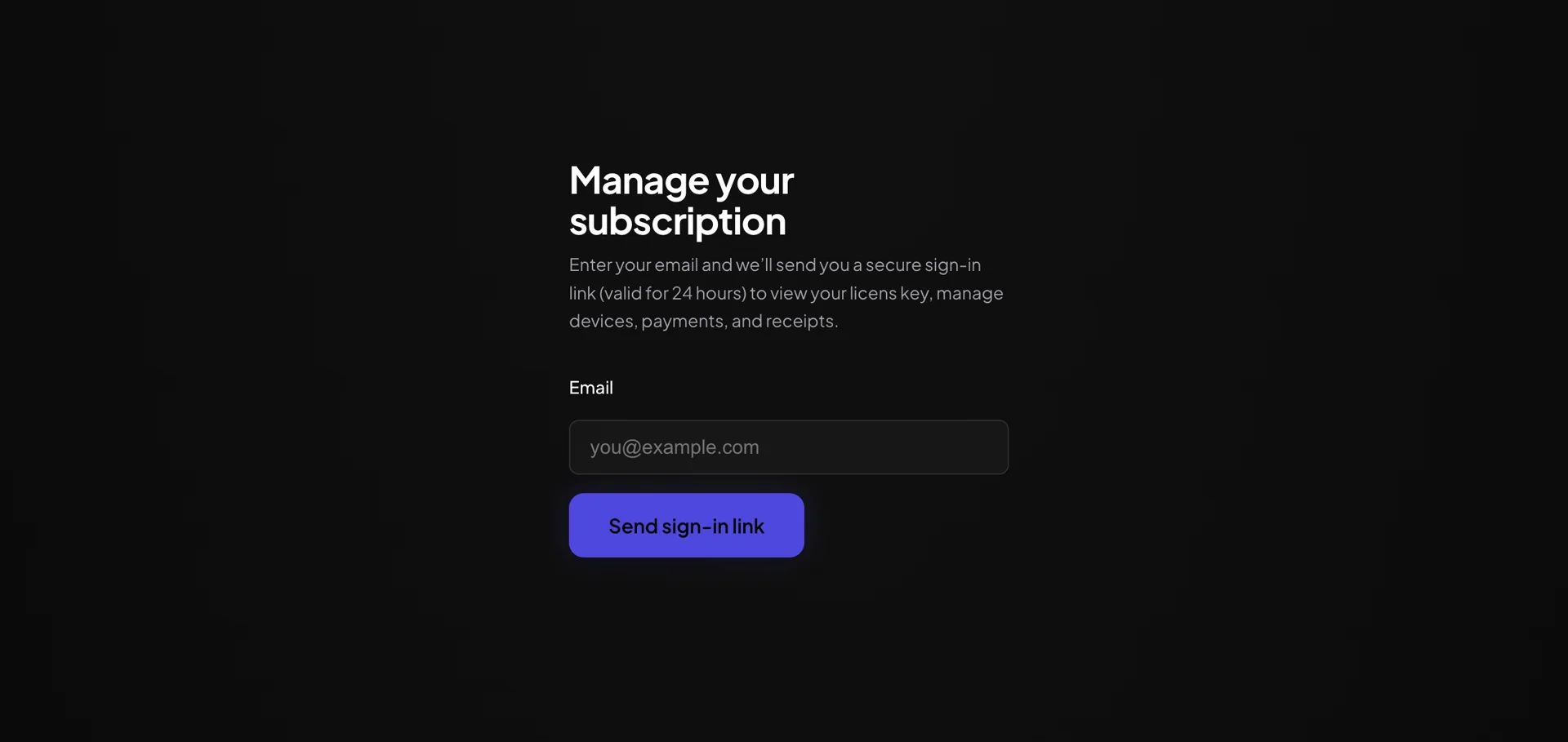
Manage your subscription
Lumox uses a secure email sign-in link — no password to remember. Go to lumox.app/account, enter the email you used at checkout, and open the link sent to your inbox (valid for 24 hours).
In the portal you can
- View and copy your license key
- See activated devices and remove old ones
- Update payment method and download receipts
- Cancel or change your subscription (if on a recurring plan)
After a new purchase
Your license key appears on the success page right after payment and is emailed to you. Activate it in the app — see Activating Lumox.
Billing questions
For plan details and pricing, visit Pricing. Privacy and terms are on Privacy and Terms.