Tutorials, tips & demos
Practical guides on wirelessly mirroring your devices, recording stunning product demos and getting more out of your Mac with Lumox.
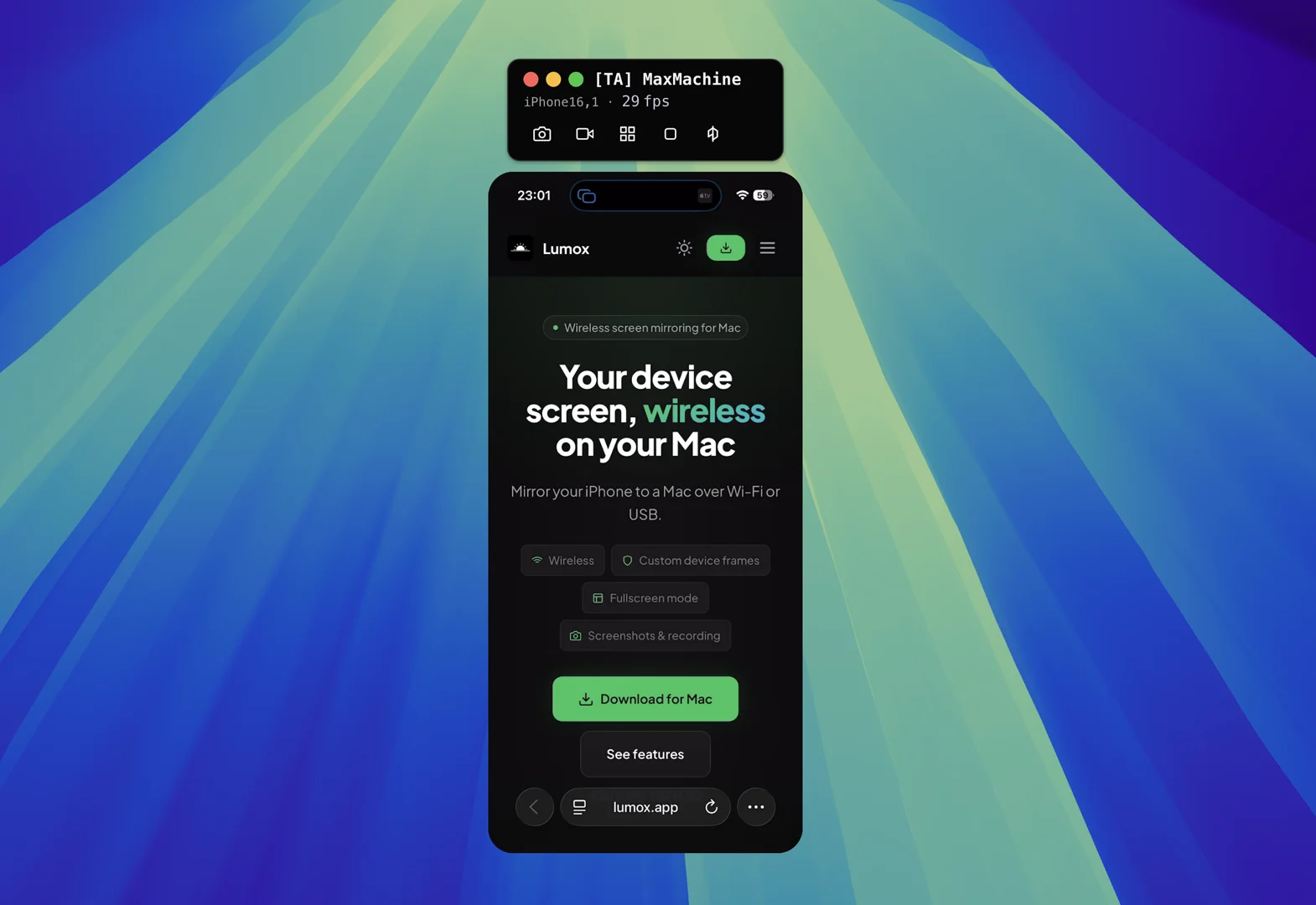
How to use Lumox in a Google Meet call
Need to show a real phone screen during a call? Here is how to mirror your iPhone or iPad to your Mac with Lumox, then share it in Google Meet or any other conference tool.
 Tutorial
 How to wirelessly mirror your iPhone to your Mac in the EU
iPhone Mirroring is still missing in the EU. Here is the simplest way to wirelessly mirror your iPhone to your Mac today — using nothing but Wi‑Fi and tools you already have.
 Tutorial
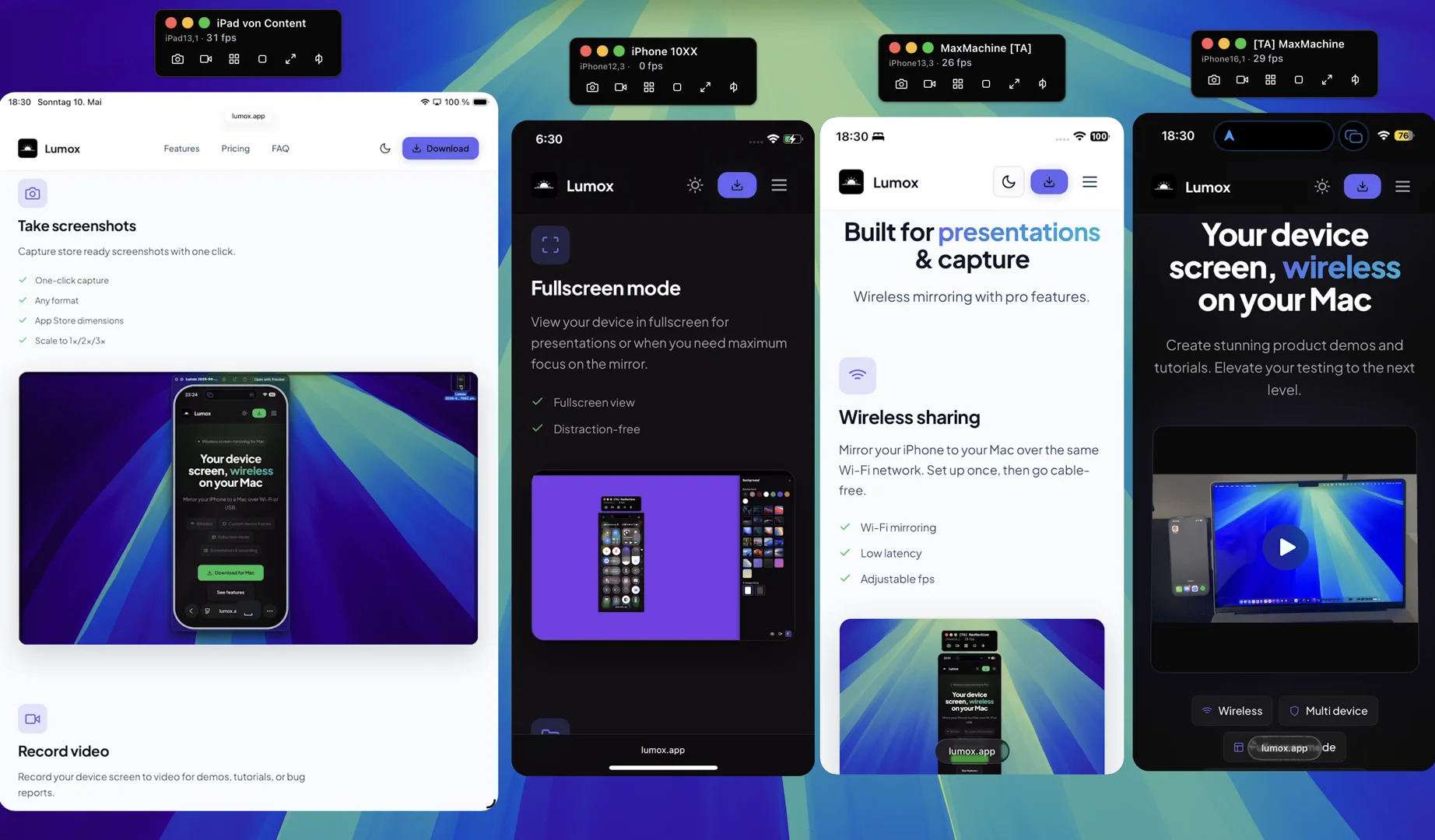
 Create product demos for multiple devices at once
Modern apps run on phones, tablets, big phones and small phones. Here is a calm tutorial on building multi‑device product demos in one shot — without ten takes, video editors, or expensive hardware.
Want better device demos?
Lumox handles wireless mirroring, multi-device fullscreen, screenshots and recording — in one app.
Download for Mac